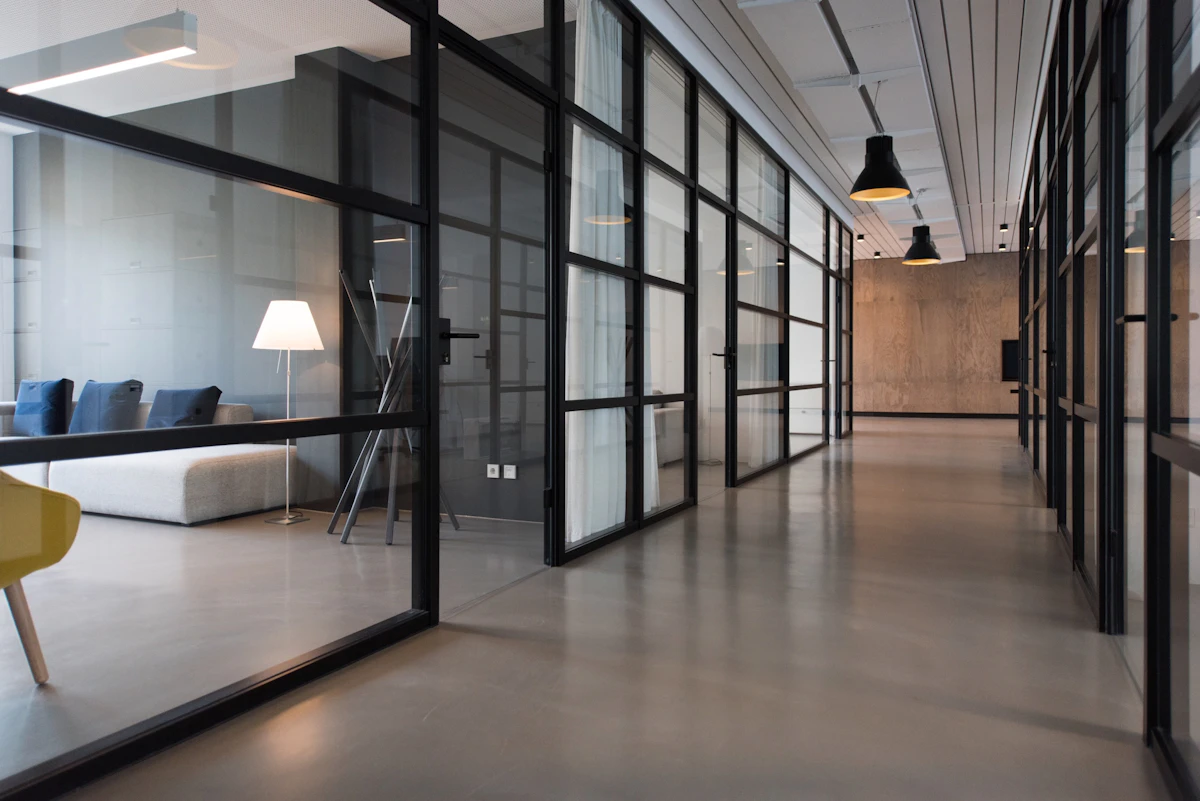
Visual directionOpen, lighter, and more spacious
This version moves away from the same dark layout style and instead presents the service in a more premium magazine-style composition with mixed surfaces, large image blocks, and a different content rhythm.
Instead of repeating the same section pattern, this demo alternates between editorial cards, image-led blocks, compact metrics, and a more architectural service grid.
The website acts as the polished front door, while AI intake and automation workflows handle routing, summaries, reminders, and staff visibility behind the scenes.

The mix of lighter backgrounds, asymmetry, and photo framing helps separate this showcase from your main site design language.

These cards are intentionally styled as a bento-style feature area rather than the usual equal columns, which helps the page feel like a separate brand demo.
Turn website visits into structured enquiries with forms, qualification logic, and assistant-led intake.
Centralise reporting, approvals, and daily visibility so teams spend less time chasing updates.
Replace scattered documents and back-and-forth email threads with guided digital workflows.
Give staff and customers instant answers from approved business information and service rules.
Find where time is lost across enquiries, approvals, follow-up, and internal coordination.
Map the ideal customer and staff flow before choosing forms, automations, and dashboards.
Deploy the website, intake logic, AI support layer, and internal handover points together.
Measure response time, conversion quality, and admin reduction to improve the next cycle.
The page now uses direct external image links so you can demo a stronger visual style straight away and swap assets later with your final licensed or brand images.

“A different page rhythm is often enough to make a showcase feel like a fresh custom concept rather than another variation of the same homepage.”
The layout, spacing, image treatment, and section order have all been adjusted so it no longer feels like the same visual system as the darker CAJ pages.